

One quiet moment…
One quiet moment…
For the evenings when you meant to go to bed,
but somehow stayed a little longer.
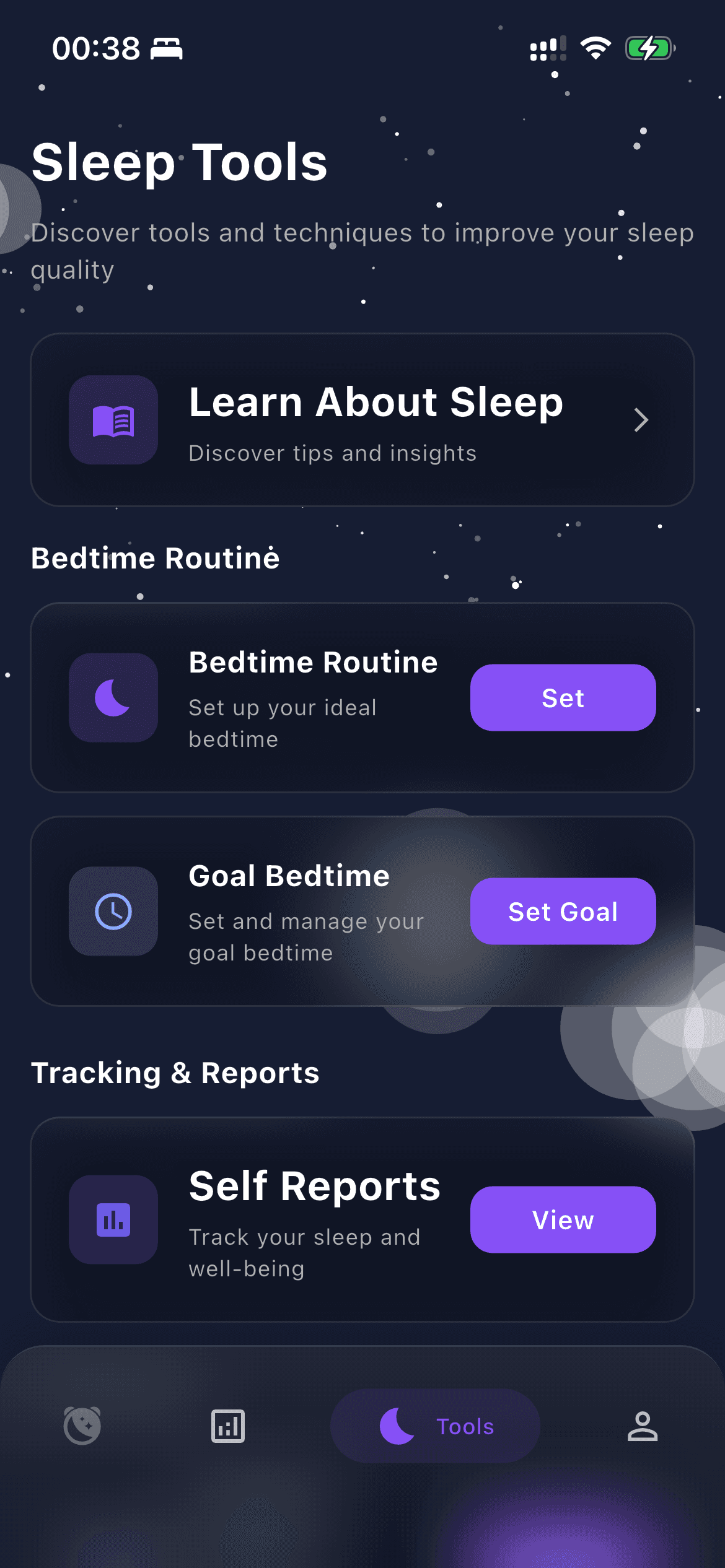
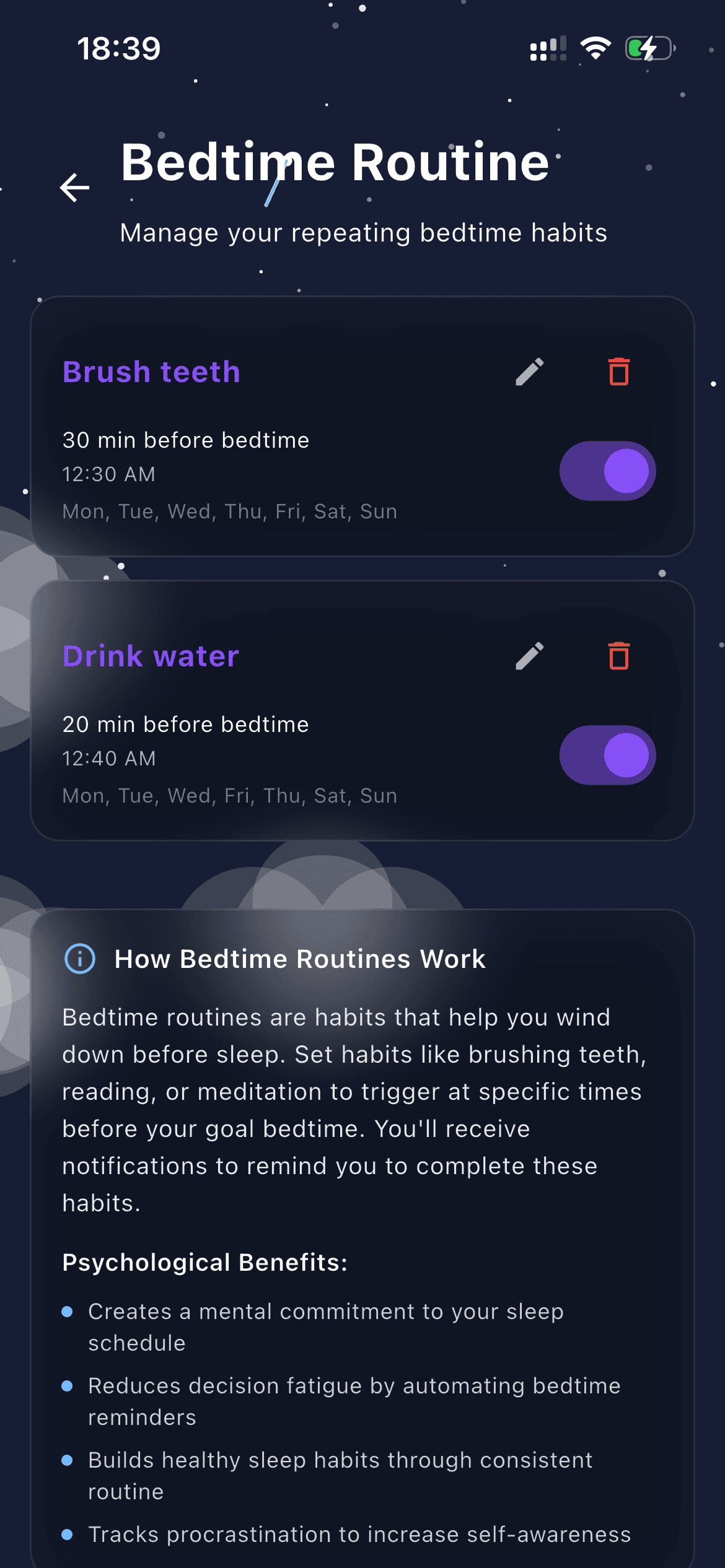
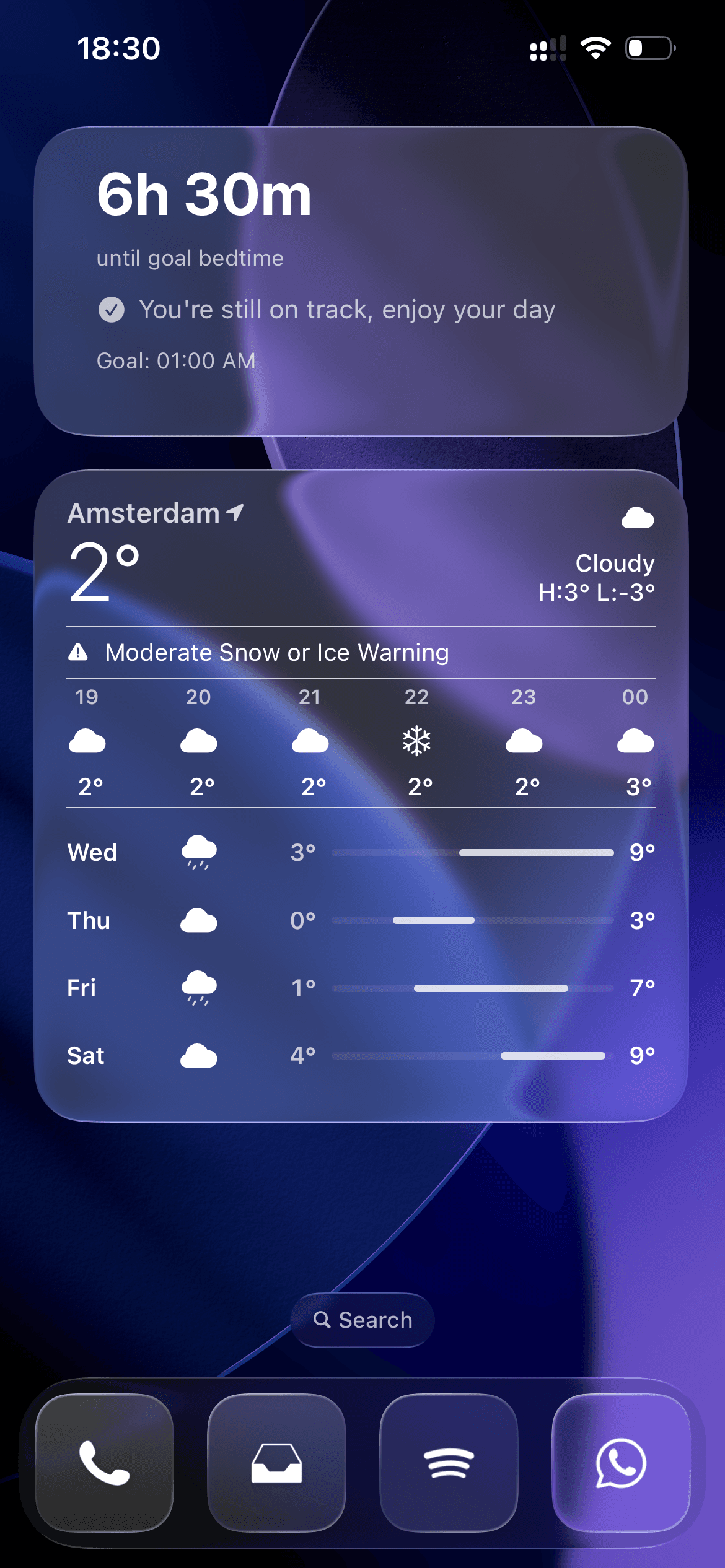
Build a routine, choose a goal bedtime and give yourself a timely reminder.
Explore the app Actual app screens with example data. Appearance varies by version.Choose what helps. Keep things manageable.
Epicnap gives you a few places to start.
Choose a goal bedtime, create repeating habits and set reminders for the steps that matter to you.
Explore guided breathing, meditations, calming music and sleep sounds when you want a quieter transition.
Look at the difference between your goal bedtime and when sleep actually begins or is estimated to begin.
Review sleep information and check in with yourself. Available information depends on your device and permissions.
Use self-reports, your Sleep Companion and home-screen widgets as gentle points of reflection.
Decide which device permissions to allow. You can use wind-down tools without connecting a smartwatch.

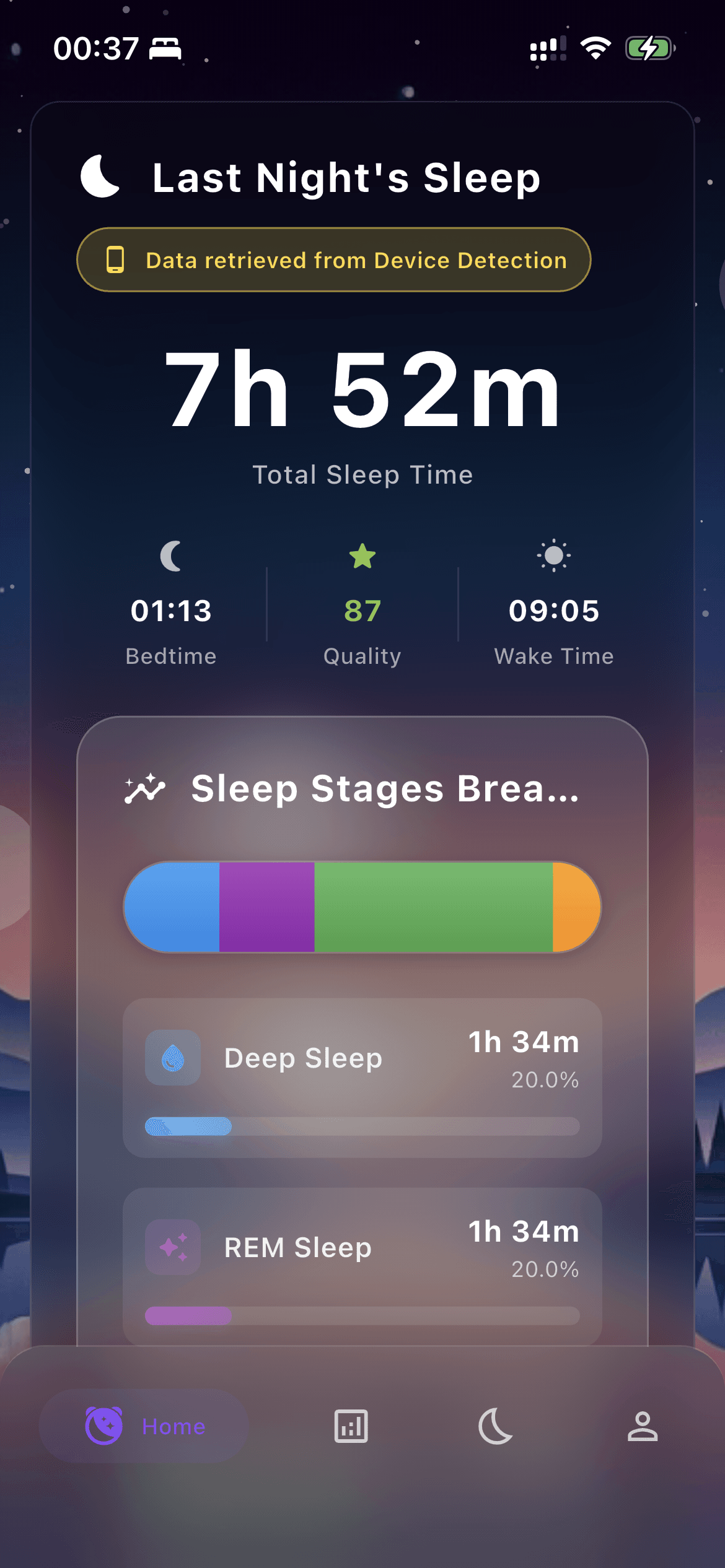
Sleep information can come from connected health data, self-reports or phone-based estimates. The app shows a picture you can reflect on, rather than a perfect recording of your night.
Features and data sources vary by device and app version.
How sleep information works
A routine to come back to. A moment to slow down.
A little more room for rest.